English
 Deutsch
 Español
 Français
 Italiano
 Polski
 Română
 العربية

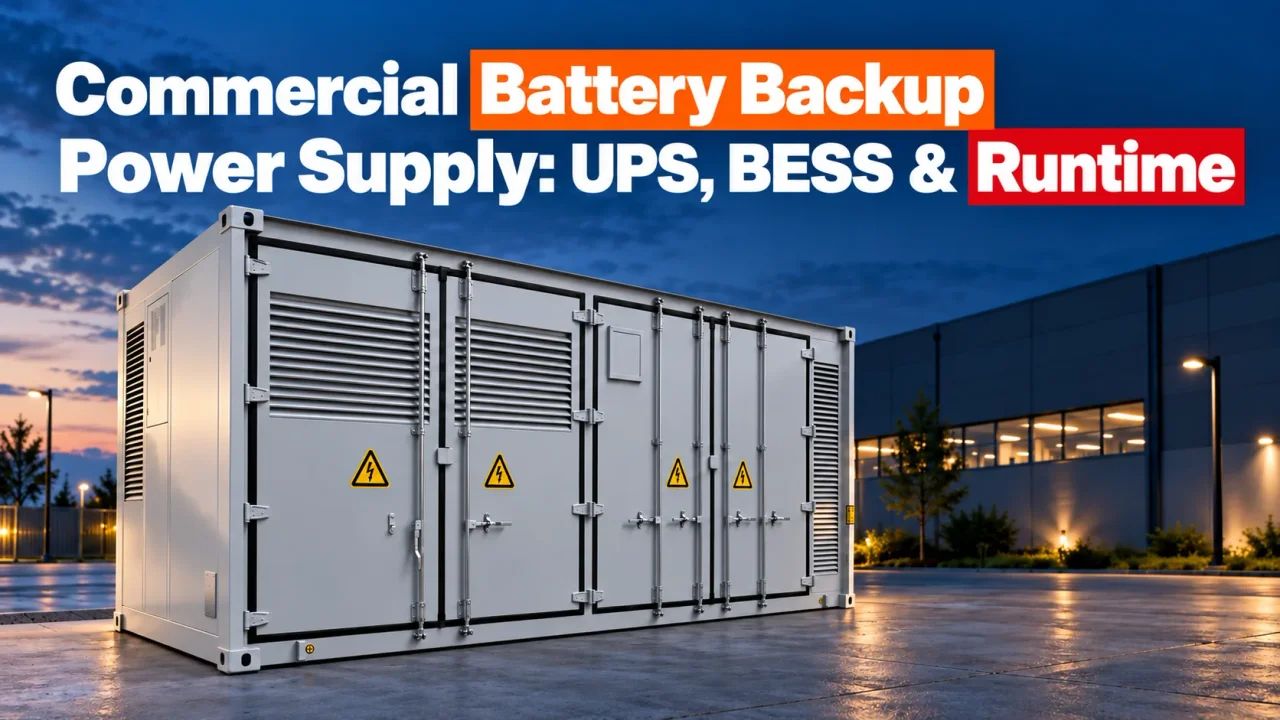
Table of Contents
Define Your Commercial Battery Backup Requirements
A battery backup power supply stores electricity for use during outages. For a business, the right choice depends on what must stay on, for how long, and how much of a power break it can tolerate.
An uninterruptible power supply (UPS) can protect sensitive equipment. A battery energy storage system (BESS) with backup capability can serve a wider group of loads. Some sites need both.
Before you compare commercial battery backup systems, answer three questions:
- Which loads must run? List controls, communications, selected cooling equipment and other essential loads.
- How long must they run? Allow time for a safe shutdown, continued work or another power source to start.
- Can they tolerate a short break? Check equipment that resets or stops when power is lost.
Record running power and starting demand for each load. Motors may need much more power to start than to run. Decide whether backup covers selected circuits or the whole site. This choice affects the system size and cost.
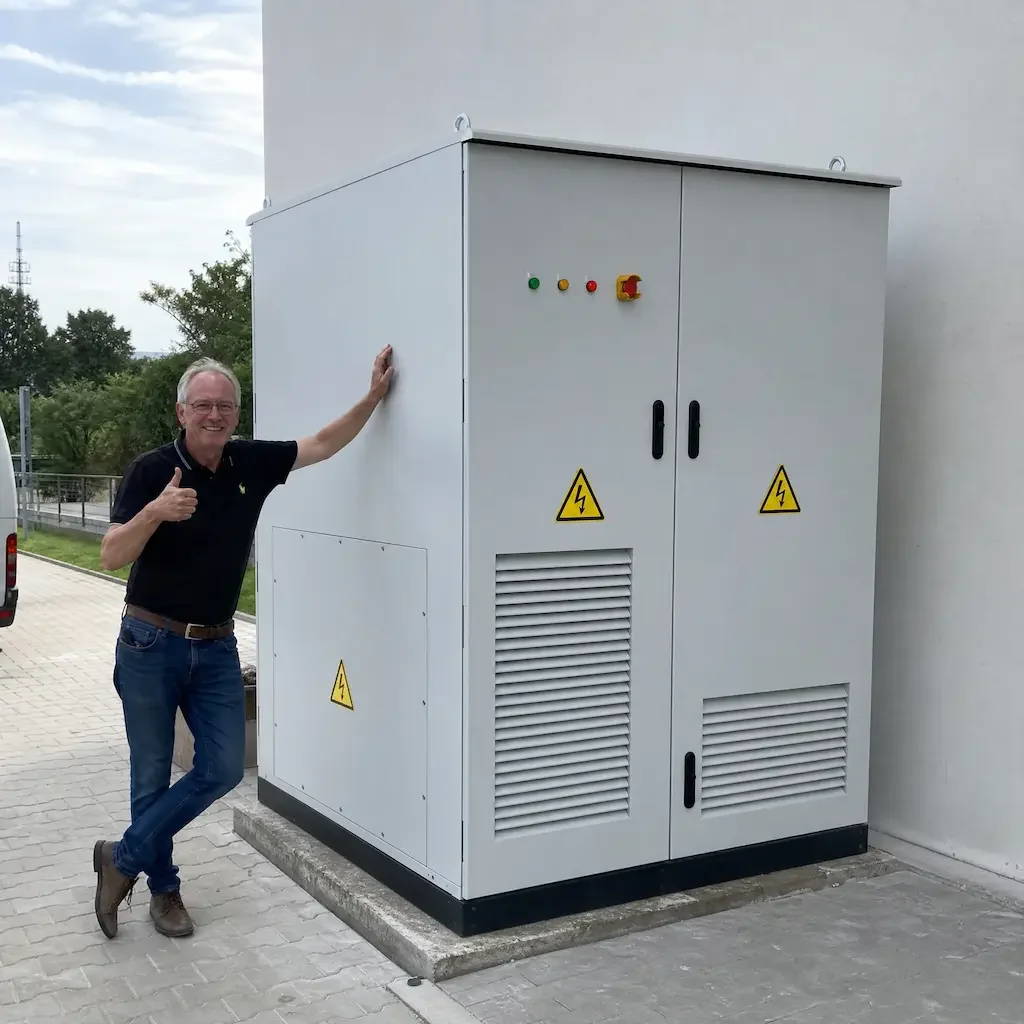
Choose Between a UPS and a Backup-Capable BESS
Use the load's needs to guide the choice:
Option | Main purpose | Check before buying |
UPS | Protect defined, sensitive loads | UPS design, power rating and battery runtime |
Backup-capable BESS | Supply selected site loads during outages | Off-grid operation, switching and load-starting limits |
UPS and BESS together | Meet different backup needs at one site | How the two systems connect and operate |
UPS designs differ. In normal double-conversion mode, an online UPS feeds the load through its inverter. Bypass modes work differently. Eaton's UPS topology guide explains the options.
A BESS used to lower peak demand or store solar power does not always provide backup. Confirm that it can supply the intended loads when the grid fails. The design must cover switching, grid isolation, protection and controls.
A fast transfer switch alone does not prove that a BESS can replace a UPS. Check the complete system against the equipment's power-quality and interruption limits.
Size Battery Backup Power and Usable Energy
Check Power First
Power and energy answer different questions:
- kW: How much power can the system supply at once?
- kWh: How much energy does the battery store?
Check running demand, loads that start together and short power peaks. Where needed, check kVA and power factor too. Eaton's UPS sizing guide separates power rating from runtime.
Then Estimate Runtime
Use the energy that can reach the loads, rather than the battery's nameplate value alone. Check:
- Battery condition and charge level when the outage starts.
- How far the system permits the battery to discharge.
- Energy lost in conversion.
- Power used by cooling and controls.
For a fairly steady load:
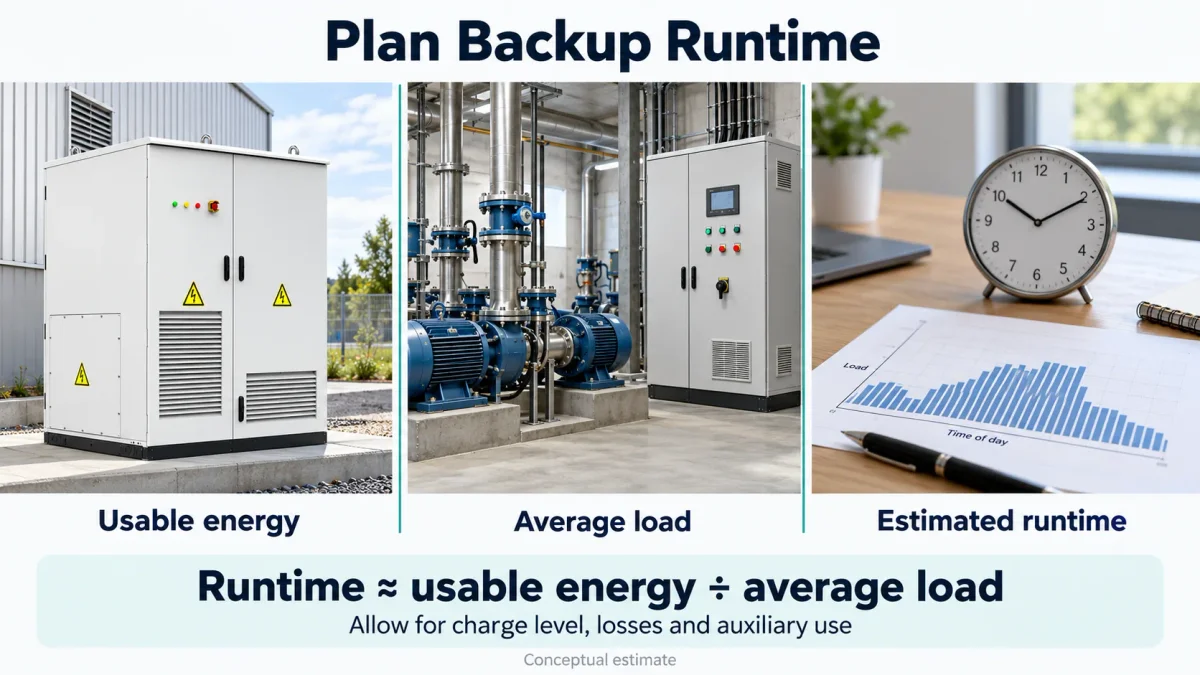
Runtime in hours ≈ energy available to the loads in kWh ÷ average load power in kW.
For example, assume 100kWh can reach the loads after all limits and losses. A constant 20kW load would run for about five hours:
100kWh ÷ 20kW = approximately 5 hours.
These are assumed values, not a KUNETIC product runtime. Count each loss once. Changing loads need a time-based estimate. The system must also meet the power demand throughout the outage.
For wider equipment selection, see our commercial battery storage guide.
Reserve Backup Energy and Plan Recharging
Daily use can drain the energy you need for an outage. Set a reserve for backup, even when the battery also serves solar use or peak shaving.
Define how much energy daily use must leave in the battery and when charging should restore it. State of charge (SOC) describes the battery's charge level. The reserve held before an outage differs from the lowest charge level allowed during backup.
Long outages also need a plan to restore energy:
- Solar: Check likely output at the time of the outage and support for off-grid operation.
- Diesel generation: Check starting, controls and whether it can serve loads while charging the battery.
- Repeated outages: Allow enough time and charging power to rebuild the reserve.
Our solar-storage-diesel solution covers the wider setup. See BESS versus diesel generators for a separate cost comparison.
Match the System to Your Site and Request a Design
Two KUNETIC options can start a design review:
- The 125kW / 261kWh commercial BESS has a 125kW PCS and 261.248kWh rated battery energy. Its 250kW static transfer switch specifies a transfer time below 10ms at module level. This is not a guarantee of whole-site continuity. The transformer and automatic transfer switch are optional.
- The 750kW / 1.446MWh BESS container has a 750kW PCS and 1446.912kWh rated battery energy. Its configurable 1000kW static transfer switch is a separate outdoor cabinet. The diesel generator is also external project equipment.
These ratings do not set your site's runtime. That depends on the loads, available energy and full design.
For a useful quotation, send:
- Critical loads, running power and starting demand.
- Required backup time and maximum acceptable power break.
- Country, voltage, frequency and site layout.
- Existing solar and generator details.
- Space, site conditions and daily energy-use goals.
Ask what the price includes: batteries, power equipment, switching, protection, site work and controls. Compare quotes for the same backup duty.
Send KUNETIC your backup-power brief to request a project-specific review.
Commercial Battery Backup FAQs
Can a BESS Replace a UPS?
Only if the full design meets the loads' needs. Some sensitive equipment still needs a separate UPS.
Does Every BESS Provide Backup?
No. Confirm off-grid operation, switching, isolation, protection and controls before relying on it during an outage.
What Happens at the Lowest Backup Charge Level?
The system may shed loads, use another source or stop battery supply. Confirm the sequence and restart rules.
What Affects Installed Cost?
Battery size, power rating, switching, UPS needs, site work and solar or generator links all affect cost. Local requirements matter too.